I recently put a photo up on Facebook and Twitter that generated a lot of buzz, using HDR Toning in Photoshop CS5 as a way to sharpen old photos. I discovered this method while working on the Adobe [More]
Over the past few weeks, I’ve discussed various basics of creating and selecting areas of your image, and today, we’ll have a bit of fun with it – to give you an idea of the power that is at [More]
Happy Holidays everyone! For this final TipSquirrel installment of 2010, we’ll take a look at how you can help protect your photos by applying important copyright and contact information [More]
This time I've put together a video tutorial showing a super fast Photoshop technique for creating composite images. This is a technique I turn to 99.9% of the time when creating composites out of studio images; it's super fast, super effective and super easy. [More]
In this exclusive TipSquirrel.com video, trainer and author Richard Harrington uses a real world example to demonstrate a Photoshop ‘Triage’. By going through this workflow he takes an [More]
I would like to thank Dan Margulis for the technical expertise behind today’s article. He gives a convincing argument of LAB colour space’s hidden power. If you would like to find out [More]
Over the past two weeks, we’ve looked at Selection Basics and Selection Techniques using Photoshop CS5, and we’ve developed a fundamental framework of understanding about selections, masks and [More]
It’s that time of the year when your house starts filling up with Christmas cards from all your friends and family but no matter how good your planning has been, there’s always someone’s card [More]
Here we take a look at a simple way to limit our Photoshop Image Adjustment Layers, to affect only certain regions of the photograph. We’ll do this using the built-in layer mask and the [More]
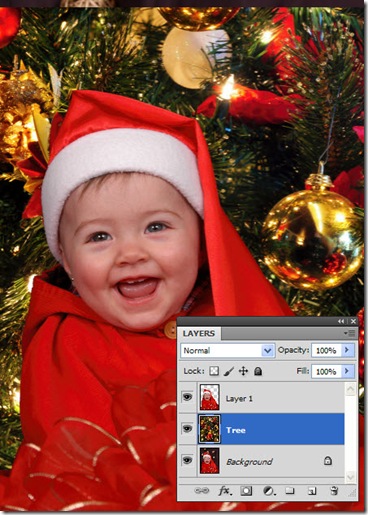
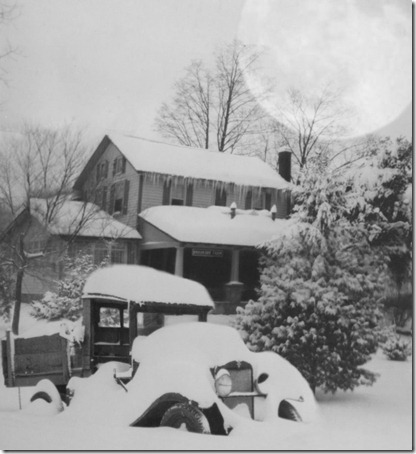
When we left our holiday card last time, we’d just combined three photos into one. Now we’ll finish things up by adding a moon and a bit of nighttime ambiance. First, find a photo of the full [More]
In last week’s tip, I presented some Selection Basics in Photoshop that were intended to get you thinking about selections in new ways and with a better understanding of what was happening. In [More]
Blending modes are both a mystery and a source of great design power. Each blending mode controls how one layer’s pixels are affected by those in another layer (or by a tool from the Tools [More]
Following on from last month’s tutorial on Recreating Lith Grain, I’m going to show you how to recreate another darkroom effect in Photoshop. The effect were’re recreating, diffusing the [More]
More text antics with Photoshop. We shall try and create this… Step 1. Start by creating a new Photoshop Document, I used 1024×768 at 72 ppi, but as always its really up to you. I then set [More]