Did you see...

perfectreplica.io High Quality Best submariner replica Watches Online For Sale All of our Rolex watches are carefully selected.

Top Tip Tuesday

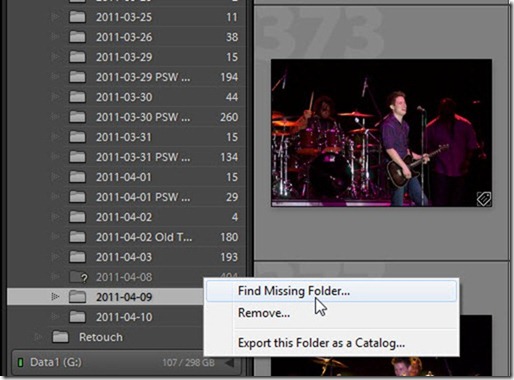
Lightroom: Missing Files, No Longer!
12/04/2011

Almost everyone who has used Lightroom has, at some time, encountered the dreaded question mark icon – indicating a missing file or missing folder. Sometimes it is a nuisance, but other times [More]

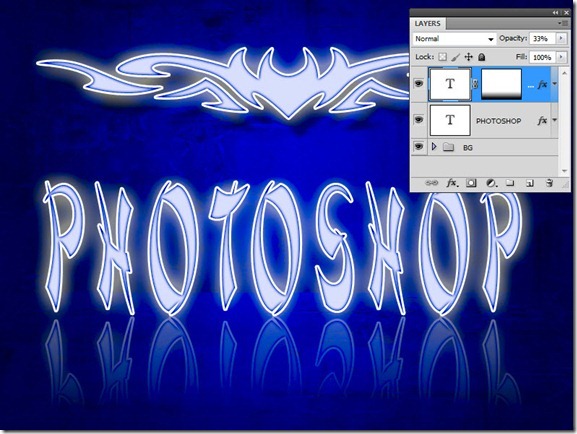
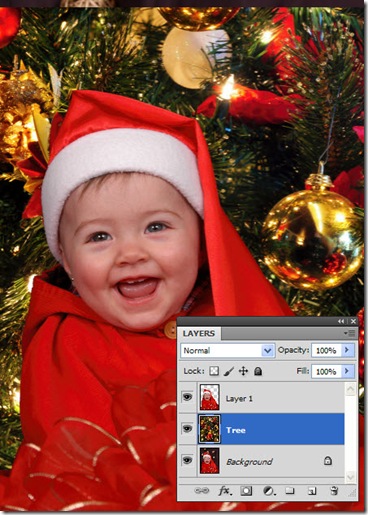
Troublesome Photoshop Layer Effects

05/04/2011

With Photoshop, sometimes things don’t always go as planned. If they did, you’d never learn anything! But today, we’ll look at a common problem that has a simple, but obscure solution. It all [More]

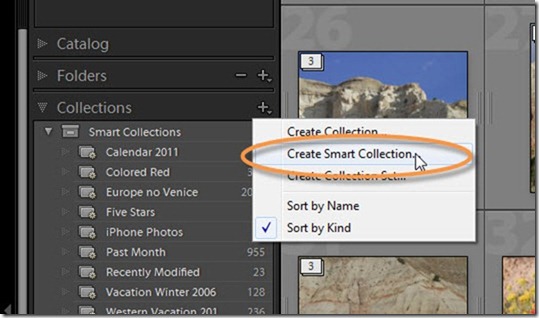
Lightroom Organization with Smart Collections

29/03/2011

If you’ve been following my past couple of tips on Tagging your Lightroom Images with Keywords, and Organizing and Searching in Lightroom with Keywords, you are well-prepared for this week’s tip. [More]

Tag Your Images–Keywords in Lightroom

15/03/2011

Today’s tip is one that grew in the telling. When I sat down to create today’s tutorial, I had originally intended to discuss Collections in Lightroom, as a great way to organize your images. [More]

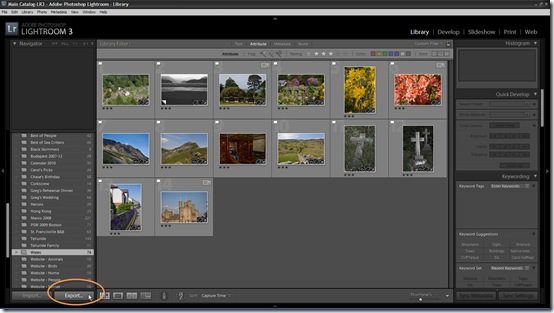
Exporting Multiple Images from Lightroom

01/03/2011

Over the past two weeks, I’ve presented some tips on exporting multiple images from Adobe Bridge using Image Processor and the Bridge Export Panel. However, some photographers among you might be [More]

Exporting multiple files with Image Processor

15/02/2011

Sometimes tried-and-true methods are very efficient at getting the job done, and the Image Processor script (which has been around for quite some time) is one of those old standby tools. When you [More]

Designing with Layer Masks

01/02/2011

Over the past few weeks, we’ve looked at selections and masking, and today we will take masking to yet another level, as we create an entire design using nothing but layer masks. If you’ve been [More]

Creating a Duotone Image in Photoshop

25/01/2011

Yesterday, Richard Hales began an introduction to Black and White images. In conjunction with that, I wanted to present an oldie-but-goodie technique that you can use to spice up your black and white [More]

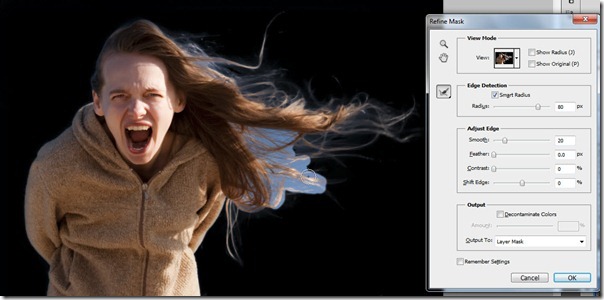
Capturing Details with Refine Mask

18/01/2011

Last week on TipSquirrel, I introduced the Masks Panel, and today we’re going to take a closer look at an old feature that is new again with CS5. A few versions ago, Adobe introduce the Refine Edge [More]

Using the Photoshop Masks Panel

11/01/2011

In the past several tips I’ve explored ever more deeply into the art of creating selections. Of course, one of the primary uses of selections is to create a mask, in order to non-destructively hide [More]

Selecting with Color Range

04/01/2011

One of the most powerful and useful tools for creating a selection in Photoshop is also the most often ignored and the least understood. In fact, it generally isn’t even regarded as a tool at all, [More]

When Selections Define Your Image

21/12/2010

Over the past few weeks, I’ve discussed various basics of creating and selecting areas of your image, and today, we’ll have a bit of fun with it – to give you an idea of the power that is at [More]

Photoshop Selection Power Tips

14/12/2010

Over the past two weeks, we’ve looked at Selection Basics and Selection Techniques using Photoshop CS5, and we’ve developed a fundamental framework of understanding about selections, masks and [More]
1 8 9 10 11 12 14
3-9