Did you see...

Articles by Michael Hoffman

About Michael Hoffman (224 Articles)
Mike has been a photographer, artist, educator, and technophile for most of his life. Early in his career, he created technical illustrations and photographs for electronic equipment manufacturers, and taught classes in computer aided drafting and 3D modeling software. When digital cameras became widely available in the late 1990s, the move was a natural one, and has led to a happy combination of technology, software, photography and art. Mike is an Adobe Certified Expert in Photoshop and Acrobat, and is well versed in Lightroom and Photoshop Elements, as well as Illustrator and InDesign. He has also contributed his time and efforts to the excellent work being done by Operation Photo Rescue, in restoring photographs damaged by natural disasters. As an active member of the National Association of Photoshop Professionals, he continues his quest for excellence in art, excellence in design, and excellence in education.
Tangled Webs: Combine and Simplify Paths

24/05/2011

In previous tips here on TipSquirrel, we’ve looked at various ways of creating and modifying paths in Photoshop. Today, we’ll explore methods for combining paths using the interaction modes in [More]

Shapes, Arrows and Hidden Options in Photoshop

17/05/2011

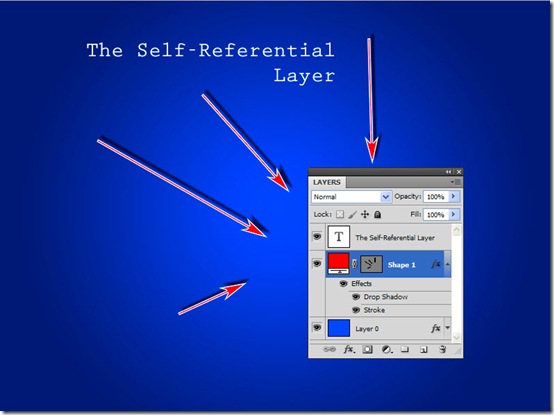
Creating arrows (such as we here use in our tutorials) shouldn’t be too hard in Photoshop, and it actually isn’t. However, you may find it frustrating to find out the best way to accomplish such [More]

Editing shapes in Photoshop

10/05/2011

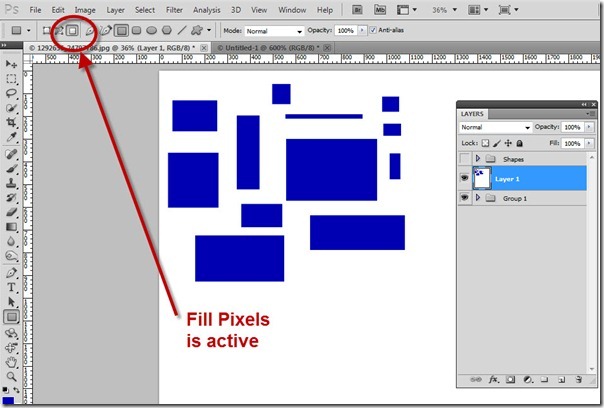
In this week’s tip, we’ll look at some fast and easy ways to start with existing shapes (vector paths) in Photoshop, apply some quick modifications, and make the shapes into your own unique [More]

Vector Masks in Photoshop

03/05/2011

In last week’s post on TipSquirrel, we started looking at drawing with shapes and paths in Photoshop. In the interest of getting our toes wet, so to speak, we looked at the shape tools, and saw [More]

Drawing with shapes and paths in Photoshop

26/04/2011

Today we begin an exploration of drawing in Photoshop. Not drawing as in grabbing a brush and making marks or blobs, but drawing with precision and with flexible elements that provide a multitude of [More]

Creating the One Ring in 3D

19/04/2011

As a Tolkien fan, I’m always interested in the lore and art that accompany the Lord of the Rings literature. So, I thought, why not try to recreate the One Ring in all its fiery presence? [More]

Lightroom: Missing Files, No Longer!

12/04/2011

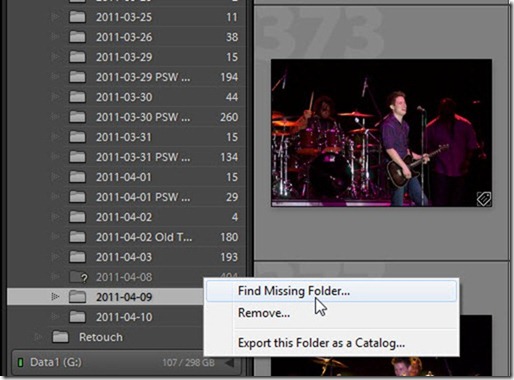
Almost everyone who has used Lightroom has, at some time, encountered the dreaded question mark icon – indicating a missing file or missing folder. Sometimes it is a nuisance, but other times [More]

Troublesome Photoshop Layer Effects

05/04/2011

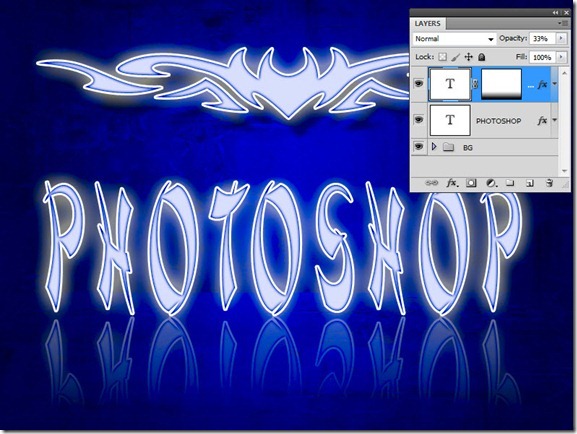
With Photoshop, sometimes things don’t always go as planned. If they did, you’d never learn anything! But today, we’ll look at a common problem that has a simple, but obscure solution. It all [More]

Lightroom Organization with Smart Collections

29/03/2011

If you’ve been following my past couple of tips on Tagging your Lightroom Images with Keywords, and Organizing and Searching in Lightroom with Keywords, you are well-prepared for this week’s tip. [More]

Tag Your Images–Keywords in Lightroom

15/03/2011

Today’s tip is one that grew in the telling. When I sat down to create today’s tutorial, I had originally intended to discuss Collections in Lightroom, as a great way to organize your images. [More]

Sending images by email from Lightroom

08/03/2011

In the past few weeks we’ve looked at various ways to export image files from Bridge and Lightroom. In fact, in previous tips we’ve even looked at directly exporting to Social Media sites from [More]

Exporting Multiple Images from Lightroom

01/03/2011

Over the past two weeks, I’ve presented some tips on exporting multiple images from Adobe Bridge using Image Processor and the Bridge Export Panel. However, some photographers among you might be [More]

Exporting multiple files with Image Processor

15/02/2011

Sometimes tried-and-true methods are very efficient at getting the job done, and the Image Processor script (which has been around for quite some time) is one of those old standby tools. When you [More]
1 9 10 11 12 13 15