Did you see...

Articles by Michael Hoffman

About Michael Hoffman (224 Articles)
Mike has been a photographer, artist, educator, and technophile for most of his life. Early in his career, he created technical illustrations and photographs for electronic equipment manufacturers, and taught classes in computer aided drafting and 3D modeling software. When digital cameras became widely available in the late 1990s, the move was a natural one, and has led to a happy combination of technology, software, photography and art. Mike is an Adobe Certified Expert in Photoshop and Acrobat, and is well versed in Lightroom and Photoshop Elements, as well as Illustrator and InDesign. He has also contributed his time and efforts to the excellent work being done by Operation Photo Rescue, in restoring photographs damaged by natural disasters. As an active member of the National Association of Photoshop Professionals, he continues his quest for excellence in art, excellence in design, and excellence in education.

Solving Common Photoshop Problems–The Brush Tool

17/01/2012

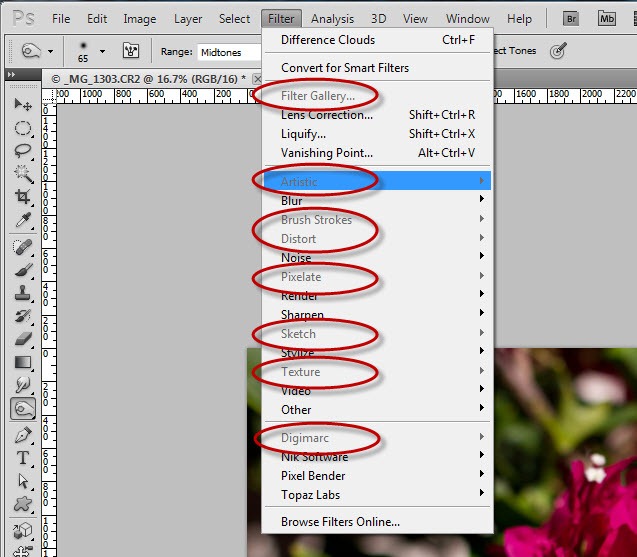
Sometimes the simplest things can create the biggest headaches, and so it is with the Brush tool in Photoshop. You might think, grab the tool, set the color, shape and brush size, and paint away. But then… something is wrong. The brush isn’t painting at all, or it’s painting in a way you aren’t expecting? What’s gone wrong? Should I reset preferences? Reinstall Photoshop? [More]

Christmas Cookies in Photoshop 3D

20/12/2011

The gifts are wrapped, the tree is decorated, and you’re ready for your long winter’s nap. But wait – you’ve forgotten something: the cookies! Never fear, with Photoshop you can whip up some [More]

Folder Cruising in Adobe Bridge

06/12/2011

Back in Bridge CS4, Adobe introduced a cool navigation feature in Bridge called “Folder Cruising.” It’s very simple, but really effective, and in Bridge CS5 it received some slight tweaks that [More]

Photoshop 3D Materials Fun

22/11/2011

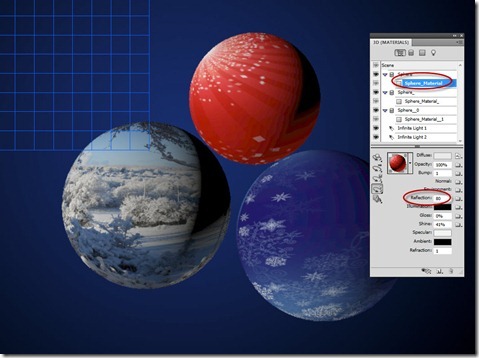
Adobe Photoshop CS5 Extended has a wonderfully capable 3D environment. It isn’t high powered like some advanced 3D modeling software, but the capabilities are really good, and the learning curve is [More]

Quicker Collections in Lightroom

15/11/2011

You may have used Quick Collections in Lightroom to create temporary sets of photos to organize your work. Here’s a tip to show you how to extend the Quick Collection feature to apply to any [More]

Photoshop’s Image Size Resampling Options

08/11/2011

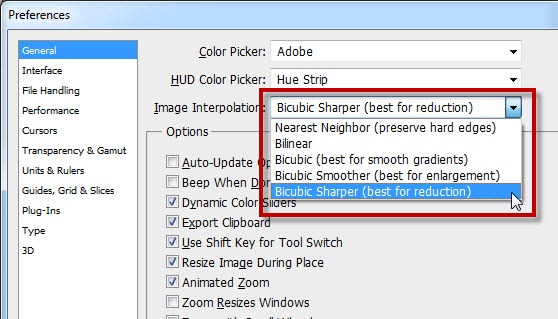
When you resize images in Photoshop, you are adding or deleting pixels to your image. As the pixels are created or destroyed, how do you control the way Photoshop decides how to color the new pixels, [More]

Make a Mesh with Liquify to Speed Your Photoshop Workflow

01/11/2011

If you’re like me, you’ve been working on larger and larger files, and sometimes the Liquify command in Photoshop just can’t keep up with all those pixels. Fear not! Here’s a tip that allows you to Liquify smaller files, and transfer the changes you’ve made to a much larger resolution original. [More]

Creating 3D from Grayscale in Photoshop CS5 Extended

18/10/2011

Using a simple 2D layer with a grayscale pattern, it’s possible to create some really interesting and organic looking 3D surfaces using Photoshop Extended CS5. In this video, we examine how the “Create New Mesh from Grayscale” command works, and put it to practical use. [More]

3D Masking and Animation in Photoshop CS5

09/10/2011

Using Photoshop CS5 Extended, you can create opacity masks for your 3D objects. A 3D opacity mask works like a regular layer mask, except that it shows or hides the 3D surface itself. Once you’ve created your 3D model, why not add some animation to really set things off? [More]

Speed your scanning workflow in Photoshop

04/10/2011

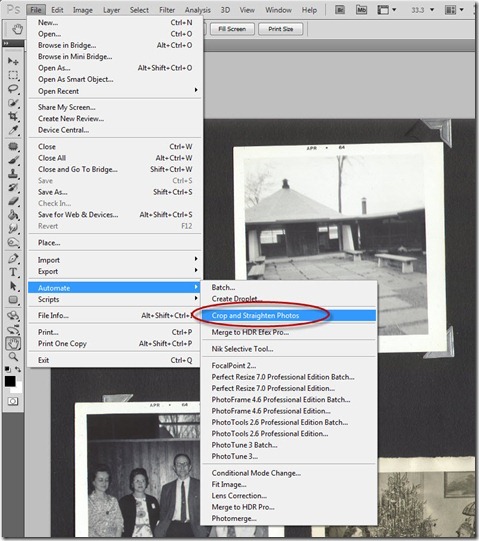
If you’re like me, you probably have stacks of old photographs sitting around in the “to be scanned” queue. In fact, you may, like me, have additional piles from family and friends in the same [More]
1 7 8 9 10 11 15