Did you see...

Articles by Michael Hoffman

About Michael Hoffman (224 Articles)
Mike has been a photographer, artist, educator, and technophile for most of his life. Early in his career, he created technical illustrations and photographs for electronic equipment manufacturers, and taught classes in computer aided drafting and 3D modeling software. When digital cameras became widely available in the late 1990s, the move was a natural one, and has led to a happy combination of technology, software, photography and art. Mike is an Adobe Certified Expert in Photoshop and Acrobat, and is well versed in Lightroom and Photoshop Elements, as well as Illustrator and InDesign. He has also contributed his time and efforts to the excellent work being done by Operation Photo Rescue, in restoring photographs damaged by natural disasters. As an active member of the National Association of Photoshop Professionals, he continues his quest for excellence in art, excellence in design, and excellence in education.
Video Masking in Photoshop

16/10/2012

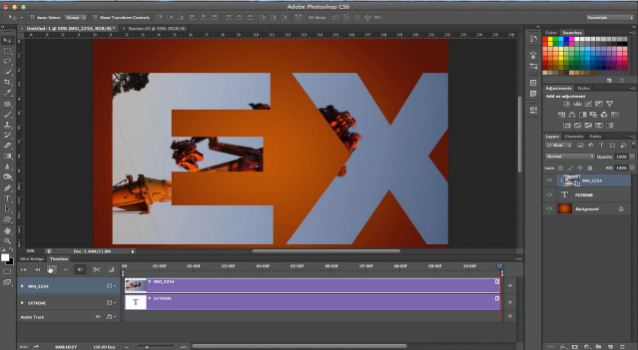
Learn how to create a clipping mask for your video within Photoshop CS6 – and see how to animate the clipping mask as well. Create unique effects for your video projects, right within Photoshop. [More]

Adjustment Layer Blend Modes in Photoshop

09/10/2012

If you’ve been a TipSquirrel reader for a while, you know about adjustment layers. Maybe you even know about blend modes. But, did you know you can combine both, adding a wider range of effects [More]

Content Aware Craziness in Photoshop

02/10/2012

Content Aware Scale is typically used to protect certain areas of an image when you scale up or down. But, what if you used it in the opposite way – to direct Photoshop where you want certain [More]

Unify an image with Selective Color

25/09/2012

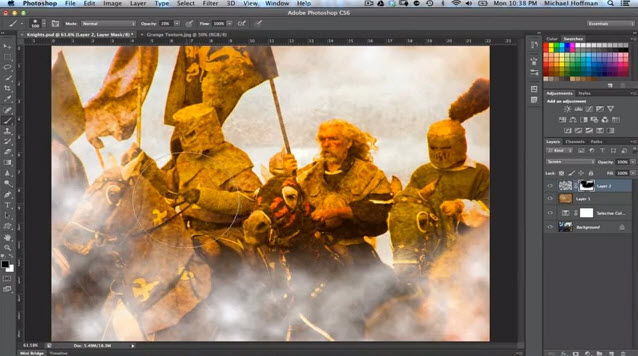
The Selective Color adjustment layer in Photoshop provides a one-stop tool for controlling color. Learn to use it to add a creative color cast that unifies your image and provides enhanced mood or drama to your creation. [More]

Automatically Stack Lightroom Images

04/09/2012

Catalog views within Adobe Lightroom can be daunting, particularly when you have a folder filled with many files. On a recent expedition with my friend Eric, the TipSquirrel himself, I managed to [More]

Photoshop Signature Brushes and Shapes

21/08/2012

Whether you want to watermark your images, or just an a tasteful signature for artistic flair, there are several ways to accomplish this in Photoshop. In this tutorial, we’ll look at two ways to create a signature that can be applied over and over – one method using Photoshop’s Brush Engine, and the second using Photoshop Custom Shapes. [More]

Book-Cover Composite Themes with Photoshop

14/08/2012

Using some quick compositing techniques, you can create a series of book covers, CD covers, artwork, or related graphical designs that look different, yet share a common feel and theme. This video tutorial uses Photoshop CS6, but the techniques apply to any recent version of Photoshop. [More]

Migrating a Lightroom Catalog

31/07/2012

One question I seem to get asked a lot is, “how do I move my Lightroom Catalog to another machine, and keep all my edits, collections, and metadata?” In today’s video, I’ll show you a quick and easy way to get your Lightroom catalog from one machine to another, without losing any data. In this example, we see the process using Lightroom 4, but the process hasn’t changed since the first version of Lightroom, so everyone can use this tip. [More]

Mixed Masking in Photoshop

10/07/2012

In our last installment, we looked at masking with the pen tool in Photoshop. The pen tool is a powerful way to create nice smooth paths – which can be used to create nice, smooth selections and [More]

Masking with The Photoshop Pen Tool

26/06/2012

Creating a good mask is one of the essential skills in compositing images within Photoshop. Recognizing the right tool for the masking job is an art in itself. Today, we’ll look at an often overlooked, but highly effective way of creating a very good mask – using the Pen Tool in Photoshop. [More]

Dramatic Skies with Camera Raw’s Graduated Filter

12/06/2012

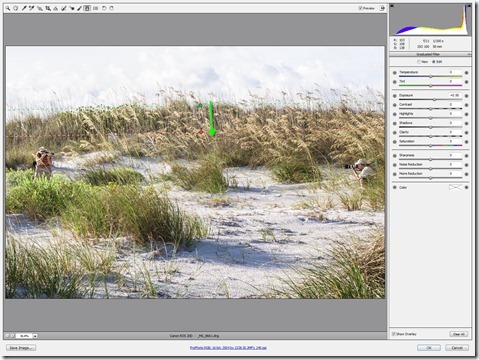
On a recent Saturday morning, I was privileged to join some fellow NAPP members for a friendly “Canon vs. Nikon” shootout, at Fort Desoto Park in Saint Petersburg, Florida. The original intent was to compare the new 5DMIII against the new D800. Out on the beach, things got a little crazy, and a few of us took the term “shootout” literally! I was on hand to capture some of the hilarity. [More]

Publish from Lightroom to Dropbox

29/05/2012

Cloud storage service Dropbox is a very handy and useful tool, allowing you to share files between your machines. For photographers, it provides and easy way to get your images on all your devices quickly and easily. If you’re using Lightroom, then the Publish Services that were introduced with LR3 give you direct integration from Lightroom all the way through the cloud – a very nice capability. In today’s video tip, you’ll learn how to set up a Publish Service to manage your Lightroom portfolios right within Dropbox. [More]

Photoshop CS6 Vector Fun

22/05/2012

With the new Photoshop CS6, we finally have vectors that have fill and stroke properties, and this gives us much more power and flexibility with our designs. In this video you’ll see the basics of creating a new vector object, modifying the fill and stroke properties, adding pixel-based effects to your vector object, and blending the object with your background. [More]
1 5 6 7 8 9 15