Did you see...

perfectreplica.io High Quality Best submariner replica Watches Online For Sale All of our Rolex watches are carefully selected.

Using Photoshop to Cut Off a Finger

27/07/2011

I’m not sure how many people have seen my horror work but I spent years removing faces and turning people into monsters. So for this tutorial I thought I’d show you a simple method of how [More]

Using actions in Photoshop Elements

22/07/2011

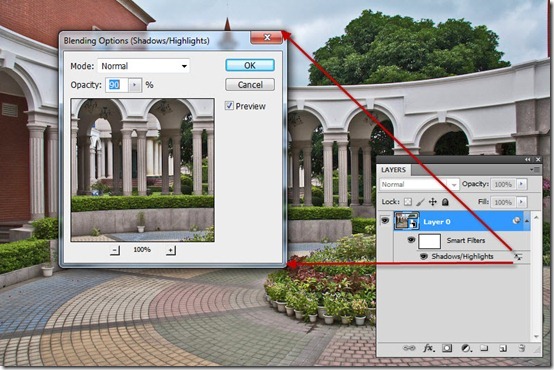
If you haven’t used the full version of Photoshop, you might not be familiar with the concept of actions. Essentially, they are sequences of commands designed to quickly reproduce a particular effect on an image. They range from simple enhancements to extremely complex manipulation operations and are designed primarily to save you time by doing all the repetitive parts of a technique at speed. Although you can’t actually create your own actions from within Elements, you can install and run them. [More]

Photoshop Warp – Problems and Solutions

21/07/2011

Its a helpful feature of Photoshop but can test the patience of a saint sometimes. Here’s an example of when I wanted to use Photoshop’s Warp function but it just wouldn’t do what I wanted. In this video I convince Photoshop that up is down and back is front. [More]

Photoshop Restoration – A Real World Walkthrough

20/07/2011

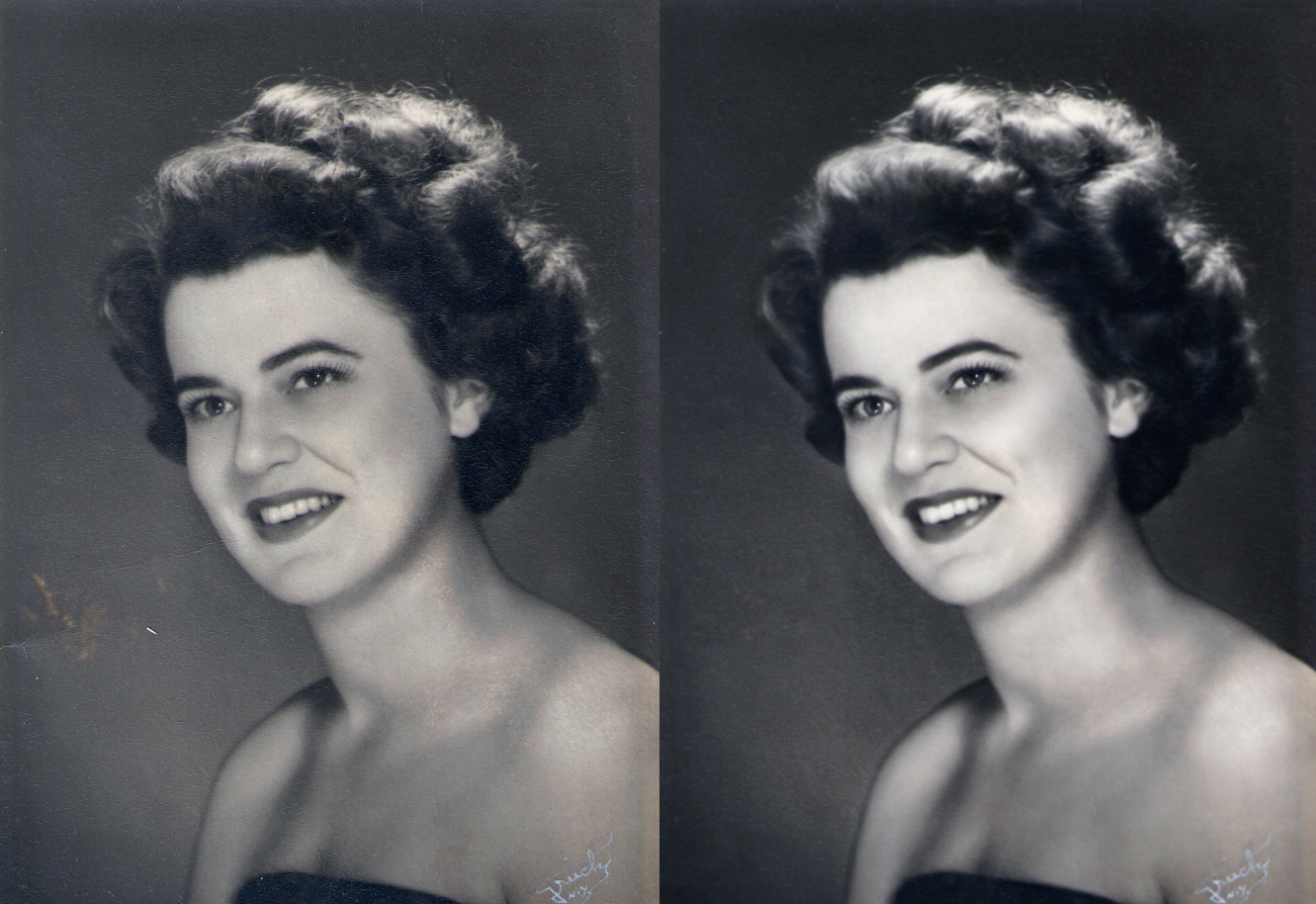
Practically every decade has a signature look when it comes to portraits, not only due to the fashions of the time, but of the lighting and style of the photography. Today we’ll turn an ordinary black & white into a portrait reminiscent of the glamour portraits of the 30’s and 40’s popularized by George Hurrell. [More]

Text Chiselled in Stone with Photoshop

19/07/2011

This week’s tip is a two-for-one, bringing you some classic techniques. We’ll create a nice stone texture, then carve some text in it using layer styles, as well as a few additional tricks. [More]

Get Stuck In To Photoshop – A Beginners Guide

18/07/2011

In this video I help those opening up Photoshop for the first time and being a little overawed by it all. We’ll take a quick look at the layout of Photoshop before singling out the tools and filters best suited for your first ‘play’ with this amazing software. [More]

Birdfair Ticket Winner

13/07/2011

  Congratulations to Mark Pearce Who has won 2 tickets to three days at this year’s Birdfair! Since launching the competition I’ve been asked “what its got to do with Photoshop?”. On the [More]

How to Make Photoshop Clipping Masks

12/07/2011

In today’s video tip, learn how to create and use a clipping mask within Photoshop. Clipping masks can be used like a digital cookie cutter, to provide a quick and easy way to use the shape and [More]

Stroke Path With Brush – Extra

11/07/2011

In this video I take a look at an old favourite Stroke Path With Brush. This time though I go a little further and experiment with more options. I admit, I love using this feature and may have been a [More]

A Photoshop HDR Workflow Example

09/07/2011

In this video, photographer and trainer Rich Harrington takes 3 images and works with them to complete a single HDR image with multiple effects. Combining the images and them post processing within Photoshop Rich gives us a real world example of photographic workflow. [More]

Creating a Web Gallery in Lightroom

06/07/2011

Recently, I’ve been asked to set up a few web galleries from a recent shoot, and I thought that I would show you how easy it is to create galleries from within Lightroom. To do this tutorial, [More]

Reflections in 3D, part 2

05/07/2011

Today, we’ll finish up the image we started last week. We’ll start with the basic 3D text and postcard elements we created, add a 3D model of a wine glass, and finish off with some standard [More]
1 46 47 48 49 50 80
3-9