Did you see...

perfectreplica.io High Quality Best submariner replica Watches Online For Sale All of our Rolex watches are carefully selected.

Tutorial

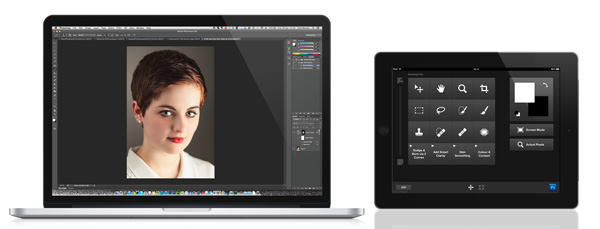
Adobe Nav for iPad

18/09/2012

As wonderful as Adobe Photoshop is, I doubt there is a person that would call it simple.. There are many ways to do just about anything, from choosing which tool to use, find that skin smoothing [More]

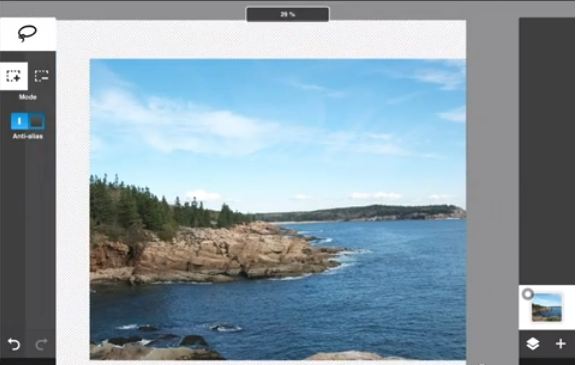
Introducing Photoshop Touch for iPad

17/09/2012

It was only a matter of time. When a device like the Apple iPad is developed for mobile computing and creative uses, working with photos is a given. That means making selections and layers, applying [More]

Fixing Franken-Face

12/09/2012

What is “Franken-face”? Consider this image: A young woman sitting on a pony on a bright and sunny day; what a great memory! The daughter of the woman pictured cherishes it, but would [More]

Photoshop Coloured Lighting into a Scene

10/09/2012

In this video Photoshop tutorial aimed and beginners and intermediate users of Photoshop I add some colour to a reflection of a window. The work a long files nostainedglass.jpg and colouredwindow.jpg [More]

The Photoshop CS6 Oil Paint Filter

07/09/2012

Sometimes it’s good to take a step back and have a little fun with Photoshop. Try new filters, new blend modes… experiment a bit!  CS6 offers plenty of opportunity for this with new [More]

Automatically Stack Lightroom Images

04/09/2012

Catalog views within Adobe Lightroom can be daunting, particularly when you have a folder filled with many files. On a recent expedition with my friend Eric, the TipSquirrel himself, I managed to [More]

Put a Simple Photoshop Frame On It

03/09/2012

In this Photoshop tutorial video I’m going to add a very simple frame to my image by increasing the Canvas Size. This works well but there’s a couple of things I need to consider if I want to do the same to all my images, and should I want to record an action. [More]

Quick Fast Adobe Bridge Tip

30/08/2012

Photoshop CS5 introduced the Mini Bridge panel as a means of accessing your images. While useful to have on hand, Mini Bridge requires the full Adobe Bridge application to be launched. If you want quick access to Adobe Bridge AND you want a panel that can float between ALL your desktop apps, then you need to starting using Compact Mode. Best part, this is a tip that you can use with Adobe Bridge CS2 and above. [More]

Use Photoshop for a Seamless Action Sequence

24/08/2012

Technically an action sequence is a series of photos merged together to show the progression of an object through the frame. Artistically an action sequence is brilliant way to show movement in your photos and make amazingly eye-catching images. [More]

Duelling in Lightroom, Working With 2 Screens

22/08/2012

One of the great reasons to use Lightroom is that it offers such a fast and easy workflow for editing large numbers of images. Every little tip, trick or method that saves editing seconds allows us to be more effective and profitable as photographers. My tip for today is using Duel Screens in Lightroom. The ability to work on one image while controlling a batch of images means that you can work quicker and more consistently allowing for more time doing what we love.. spending more time out with the camera. [More]

Photoshop Signature Brushes and Shapes

21/08/2012

Whether you want to watermark your images, or just an a tasteful signature for artistic flair, there are several ways to accomplish this in Photoshop. In this tutorial, we’ll look at two ways to create a signature that can be applied over and over – one method using Photoshop’s Brush Engine, and the second using Photoshop Custom Shapes. [More]

Photoshop Transform Tips and Tricks

20/08/2012

In this video I explore the uses of the Photoshop Transform command to help lay out the framework for a dartboard. The transform command is used to correctly space all the wires and to keep all the circles concentric. [More]

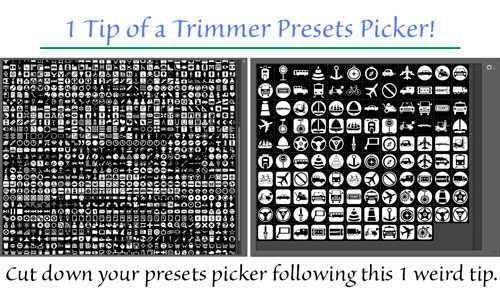
Taming your Photoshop Presets

17/08/2012

Do you suffer from unsightly, bulging panels? Are your pickers bursting at the seams? Would you like to shed a few hundred items but still be able to enjoy a healthy choice of custom presets? [More]
1 27 28 29 30 31 62
3-9