Did you see...

perfectreplica.io High Quality Best submariner replica Watches Online For Sale All of our Rolex watches are carefully selected.

Photoshop

Coloring with Photoshop – Skin
18/04/2012

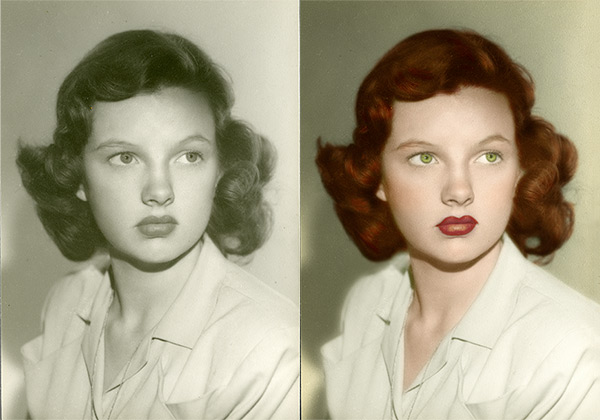
Coloring black and white images is not as easy as it seems. For one thing, finding realistic skin tones is just darn hard! The same with hair colors; the reason for this is that in the real world, hair and skin colors are made up of many different colors and tones. Using just one color will make the tones one dimensional, not realistic at all. Also, there’s a tendency to try to make skin tones either too pink, resulting in a lovely lobster-esque look, or too “peachy” which usually comes out more grey, resulting in the Corpse Bride look. Not very attractive, to say the least. To get a realistic skin or hair color, therefore, we need to layer different tones, tweak, tweak again, go away, add more, take some away…well, you see, it’s not easy. [More]
Type Tips for Photoshop CS6

17/04/2012

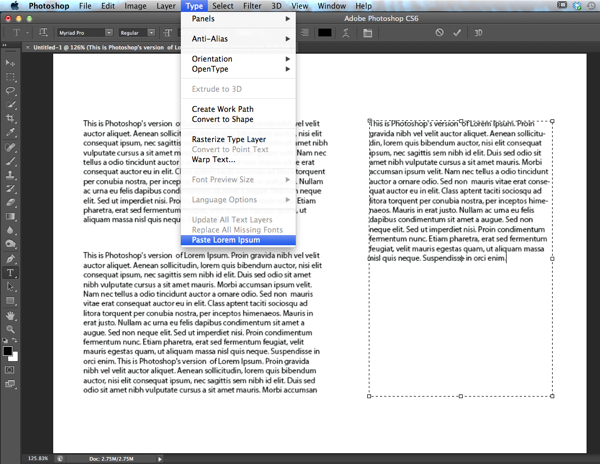
Photoshop CS6 comes with a few type tricks up its sleeve, and if you find yourself working with type a lot in Photoshop, especially if you are mocking up print layouts or web pages, you're going to get a lot of mileage with these new features. Let's take a look. [More]

Photoshop’s Enhanced Filters in CS6 Beta

03/04/2012

With Photoshop CS6, Adobe really integrated GPU acceleration into many of the filters, adding some great new ones along the way. The GPU, or Graphics Processing Unit, is a powerhouse that lives on our graphics cards and allows Photoshop to perform amazing feats of pixel manipulation. [More]

Silver Efex Pro Control Points – An Apology

29/03/2012

In one of my previous tutorials on Silver Efex Pro I may have given the impression that I wasn’t too impressed with control points, I think I may even have used the phrase “I don’t think the control points work very well in SilverEfex and never use them!” Oh dear, what a muppet. I was, of course, wrong and its not very often you’ll hear me say that according to my wife and I apologise for misleading you. That isn’t to say that they are a panacea but they are pretty damn good. [More]

Color Lookup Adjustments with Photoshop CS6 Beta

27/03/2012

In Photoshop CS6 Beta, Adobe has given us an entirely new type of adjustment, complete with its own new adjustment layer category. Watch this video to learn about Color Lookup adjustments and how they can transform your image colors quickly, easily, and non-destructively. [More]

Photoshop CS6 – Content Aware Move Tool

23/03/2012

Photoshop CS6 Beta is out and it’s packed full of new features and improvements to some of the existing tools. In this video I’m going to take a look at something that’s both a brand new tool for Photoshop CS6 Beta and also an enhancement of existing technology. [More]

Introduction to 3D features in Photoshop CS6 (beta)

22/03/2012

Photoshop CS6 is now available as a beta release from Adobe Labs, and it is nothing short of amazing. It will take a long time to work through all the new and improved features, so today, I’m focusing on the one area I’m most excited about: the 3D engine. 3D in Photoshop keeps getting better, and the developers have taken things up several notches with this new release. Count on seeing a lot more of the new 3D features, as well as the myriad of other new and improved features within Photoshop CS6 beta, in the coming weeks here on TipSquirrel. [More]

Photoshop Compositing with 3D (Part 2)

20/03/2012

In this two part video tutorial, we look at creating a surreal scene with 3D and traditional 2D elements. In this second part, we add the 3D elements and explore ways of integrating the 2D and 3D parts into a unified whole. [More]

We’re Having A TipUp

19/03/2012

OK, so I made the phrase up by why just have a Tweet Up? What about our Facebook friends and those that read Tipsquirrel.com on RSS? Besides which, I like to think we’ll swap tips so the name has a kind of ring to it….. doesn’t it? [More]

Using Non-Linear History in Photoshop

16/03/2012

The History panel within Photoshop is something most users have made us of in their workflows. One of the most common things I see happen with beginners is accidentally erasing History Steps (aka History States). This generally happens when someone clicks a Snapshot not realizing that can erase History, or more often someone chooses a previous step and does something new. If you add non-linear history to your workflow that's a quick way to keep as much of your history as you've set in your preferences. Enjoy! [More]

White Out Restoration

14/03/2012

How faded is too faded? How do you know when an image can be brought back? Unless an image is solid white or solid black, you don’t know until you try! How about one as badly faded as this one? Can you bring anything back? [More]

Photoshop Compositing with 3D (Part 1)

13/03/2012

In this two part video tutorial, we look at creating a surreal scene with 3D and traditional 2D elements. In this first part, we set the scene by compositing various landscape elements together to provide the backdrop for our 3D model. [More]

Solids of Revolution with Photoshop CS5 Extended

06/03/2012

Photoshop CS5 Extended can create solids of revolution, but the technique is a little bit obscure, and requires wrestling with the Repousse interface. Watch this video to see how to create a revolved 3D solid, to render it with reflections, and to integrate it into a 2D background. [More]

Lightening Up A Dark Image with Photoshop

22/02/2012

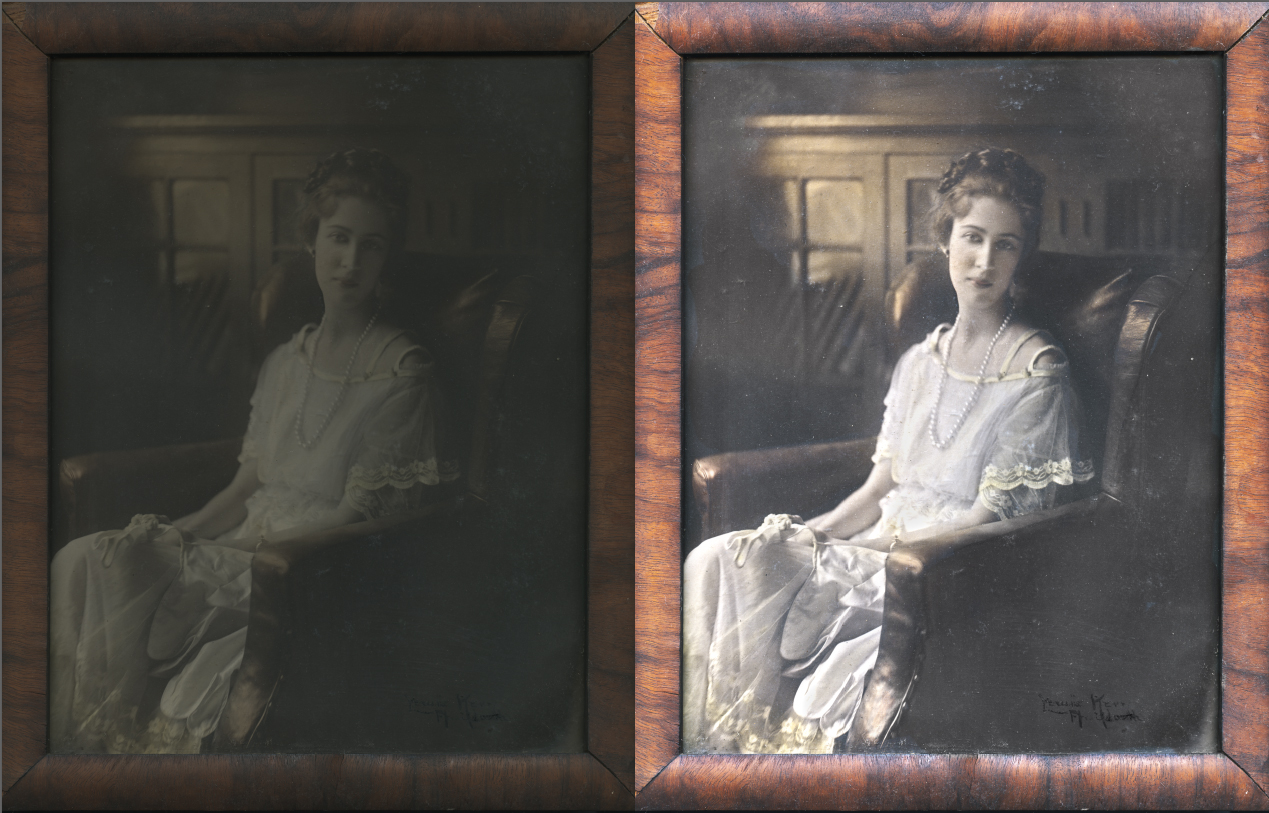
In a perfect world your old photographs will always be out of a frame, or can be easily removed, in great shape and you’ll always have the most perfect equipment. Unfortunately, for most of us [More]

Mixer Brush Tips

21/02/2012

With Photoshop CS5, Adobe brought us the Mixer Brush, which, along with the new Bristle Brushes, are perhaps the biggest makeover in the brush engine since version 7.0. In today’s video tip, you’ll learn a few basic techniques for setting up and using Mixer Brushes – including the often overlooked capability of loading your brush with multiple colors at one time. Happy painting! [More]
1 20 21 22 23 24 45
3-9