Did you see...

perfectreplica.io High Quality Best submariner replica Watches Online For Sale All of our Rolex watches are carefully selected.

Tutorial

Getting Dramatic Eyes with Photoshop

25/05/2011

We can use the eyes to focus attention onto what we want the viewer to look at, by emphasising the eyes we encourage the focal point. In this tutorial we will be adding shadows and changing the colour of the eyes, to give it a more fantasy / mystical feel. [More]
Tangled Webs: Combine and Simplify Paths

24/05/2011

In previous tips here on TipSquirrel, we’ve looked at various ways of creating and modifying paths in Photoshop. Today, we’ll explore methods for combining paths using the interaction modes in [More]

Rotating The Clone Stamp in Photoshop

23/05/2011

In this video TipTorial I take a quick look at some of the parameters that can be changed when using Photoshop’s Clone Stamp Tool. In particular, how to rotate and flip the stamp. Many thanks to Janine Smith for providing the photograph. Also a nod to Gavin Hoey for helping me realise the difference between CS5 and earlier versions. [More]

Black and White with SilverEfex Pro 2

19/05/2011

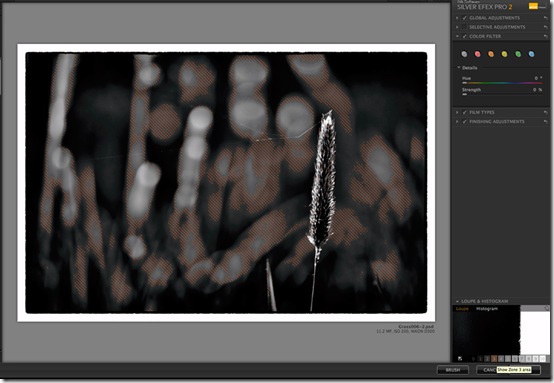
I currently use SilverEfex Pro, although Nik have released a SilverEfex Pro 2 which I’ve downloaded a trial of for the purposes of this tutorial. I’m still undecided whether to upgrade to the new version, but hopefully by the time I’m finished writing Ii’ll have made my mind up if I need to put my money down. [More]

Silver and Gold Text in Photoshop Elements

18/05/2011

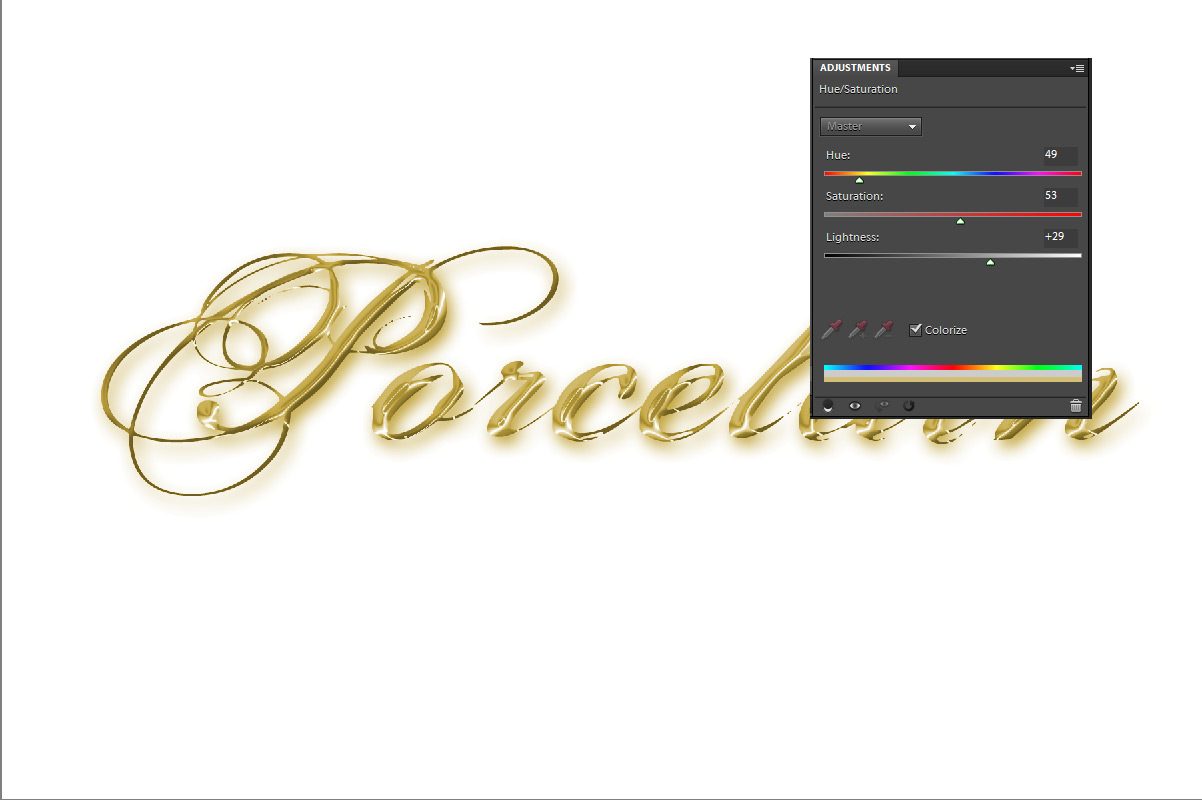
A friend asked me, this past week, if I knew of any gold or silver fonts I could tell her of. Naturally, I explained that fonts aren’t of any particular color, but are rendered in the color you [More]

Shapes, Arrows and Hidden Options in Photoshop

17/05/2011

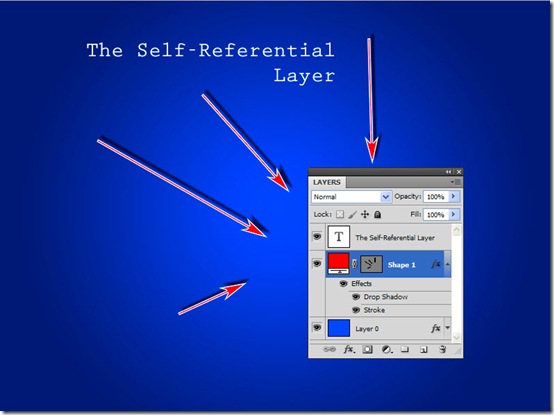
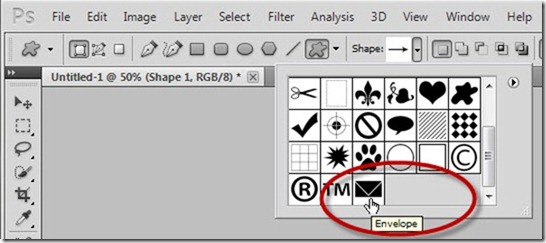
Creating arrows (such as we here use in our tutorials) shouldn’t be too hard in Photoshop, and it actually isn’t. However, you may find it frustrating to find out the best way to accomplish such [More]

Printing Commands in Photoshop

13/05/2011

Several commands are associated with printers. Those specific to your printer are controlled by the printer driver (software you install outside of Photoshop). Each driver is unique, so be sure visit [More]

Doing more with Photoshop Layer Styles

11/05/2011

I like working with the Layer Effects in Photoshop but what really stated me using them more was when I learnt how to seperate the effects. In this ‘tiptorial’ I’m going to use put Layer Effects onto Layer Effects. [More]

Editing shapes in Photoshop

10/05/2011

In this week’s tip, we’ll look at some fast and easy ways to start with existing shapes (vector paths) in Photoshop, apply some quick modifications, and make the shapes into your own unique [More]

Easy Grunge Border in Photoshop

06/05/2011

There are times when all you want to do is dive into Photoshop, create a quick effect and move on. So if that’s you and what you need right now is a quick grunge border read on, because [More]

6 Simple Steps for Applying Makeup with Photoshop

05/05/2011

As a Portrait Photographer, nothing beats the luxury of working with a Professional Makeup Artist....but what if that's not possible? Well, here's a simple technique for applying makeup using Photoshop that can certainly help out: [More]

Vector Masks in Photoshop

03/05/2011

In last week’s post on TipSquirrel, we started looking at drawing with shapes and paths in Photoshop. In the interest of getting our toes wet, so to speak, we looked at the shape tools, and saw [More]
1 40 41 42 43 44 62
3-9