Did you see...

perfectreplica.io High Quality Best submariner replica Watches Online For Sale All of our Rolex watches are carefully selected.

Photoshop

Ten More Things About Photoshop

09/06/2011

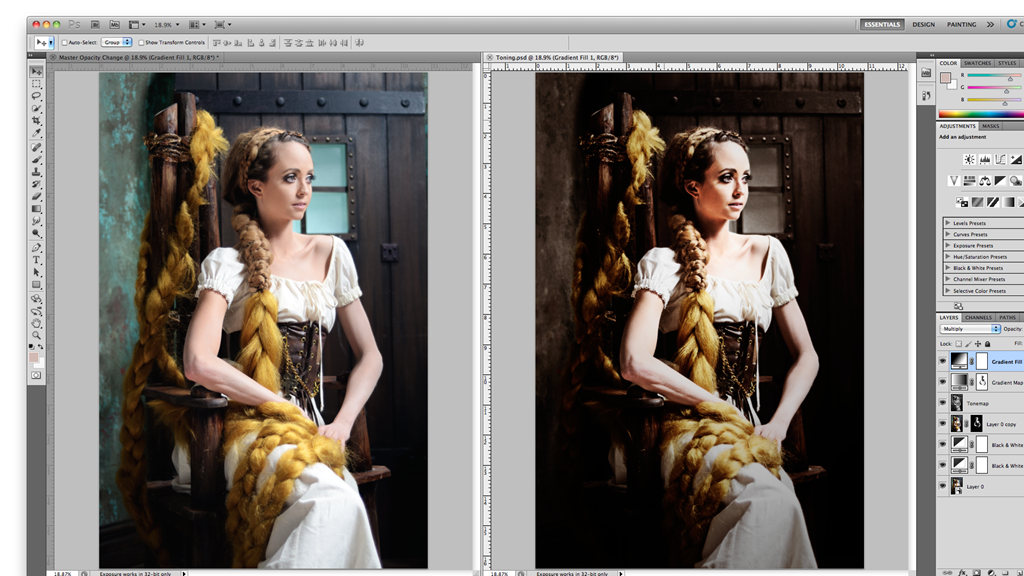
As my good friend J. Schuh aka The Texas Animator likes to say, "How do you eat an elephant? One bite at a time." Photoshop certainly is an elephant of a program to wrap your head around. Keeping with my Top Ten series, here are ten more things you can use in Photoshop. [More]

Very Simple Quake-Grunge Text in Photoshop

06/06/2011

I was asked recently about grungy text. There’s plenty of tutorials out there but I wanted something simple, that can be done in a couple of minutes but has a great effect. Here’s my solution. [More]

Mono Magic with Adobe Camera RAW

03/06/2011

There’s something magical about a really eye catching black and white image. A full range of tones running from deep black to bright white always adds a touch of drama and impact to the mono image. [More]

Grids, Guides and Putting Them Into Actions

02/06/2011

Unlike Adobe Illustrator, Photoshop doesn’t have a grid tool (as yet?), so we’re forced to find ways to make our own. In this video, I’ve demonstrated a couple of ways of making a grid both [More]

Keeping Things in Perspective

01/06/2011

When you’re taking images of pictures on walls for archival or restoration purposes, be sure to take several shots from different angles so you have a better chance of combining them into a great [More]

Warhol-Style Pop-Art Effect with Photoshop Elements

26/05/2011

In this tutorial we’ll use Photoshop Elements to create an effect similar to Andy Warhol’s iconic pictures of Marilyn Monroe, Elizabeth Taylor et al. We’ll use layers and blend modes to build up the effect, making it easy to correct mistakes or change the look at a later stage. [More]

Getting Dramatic Eyes with Photoshop

25/05/2011

We can use the eyes to focus attention onto what we want the viewer to look at, by emphasising the eyes we encourage the focal point. In this tutorial we will be adding shadows and changing the colour of the eyes, to give it a more fantasy / mystical feel. [More]

Rotating The Clone Stamp in Photoshop

23/05/2011

In this video TipTorial I take a quick look at some of the parameters that can be changed when using Photoshop’s Clone Stamp Tool. In particular, how to rotate and flip the stamp. Many thanks to Janine Smith for providing the photograph. Also a nod to Gavin Hoey for helping me realise the difference between CS5 and earlier versions. [More]

Photoshop Quick Mask

12/05/2011

Greetings all! Hope your week has been brilliant, and you have plenty to look forward to this weekend. Today I’ve made a video on how to use Quick Mask mode in Photoshop. Quick Mask mode, [More]

Picking Apart Photoshop Actions

02/05/2011

Actions are a great way to get things done quickly, but they’re also a wonderful learning tool. Knowing how to examine an action can help you find new techniques as well as discovering bases that [More]

Using 3D Objects in Photoshop

29/04/2011

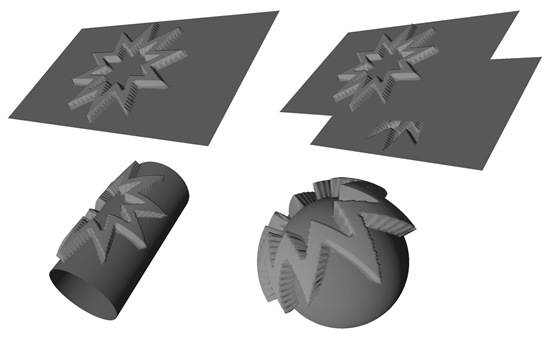
Photoshop's 3D Engine is very flexible. It allows you to transform layers three dimensionally. More importantly, it lets you create new 3D elements including primitive shapes (such as cones or spheres). You can also make complex elements can be created using grayscale meshes. [More]

Creating a Soft Vintage Photo Effect in Adobe Lightroom 3

28/04/2011

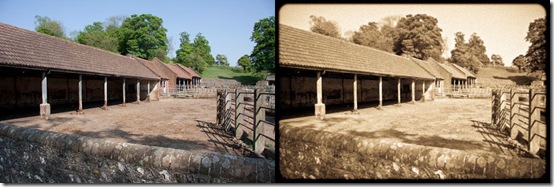
In this tutorial I’m taking a break from my usual Photoshop Elements techniques and instead, switching to Lightroom 3; where I’ll be demonstrating how to convert a modern colour image into a low-quality vintage photo. We’ll be using a variety of features found in the Develop module to desaturate and soften the image, add grain and a rounded border, and finally create a preset enabling us to apply the effect on different images with the click of a mouse. [More]
1 26 27 28 29 30 45
3-9