There are a few high speed photos around of water balloons popping, using Photoshop and a displacement map we can create a similar effect.


There are a few high speed photos around of water balloons popping, using Photoshop and a displacement map we can create a similar effect.


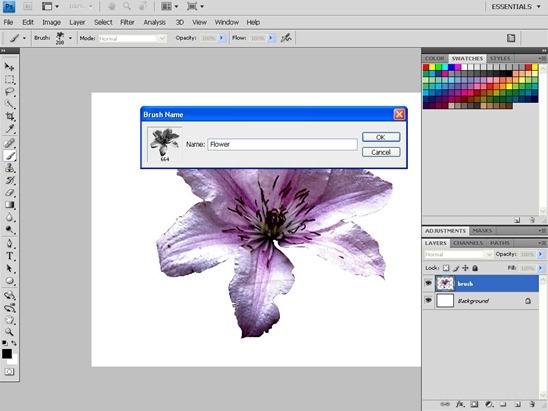
In this tutorial we’ll take a look at some of the features available to us for customising our Photoshop brushes.

Creating a custom brush in Photoshop is a must have skill, Simon Rudd explains how to go about it.

Continuing with the snow theme from my last tutorial I thought I’d show you a neat way of creating a snow globe from a photo.

Christmas time…!
I’d like to show you how to make a simple vector style snowman in Photoshop


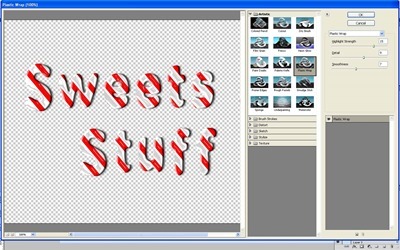
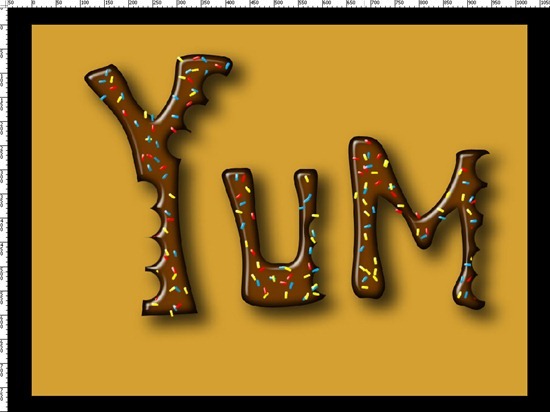
In this tutorial I’ll show you a few tricks and tips that all go to help to make text that looks like chocolate, we’ll also add a few sprinkles for good measure!

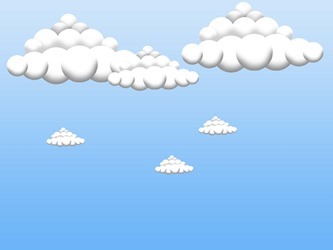
Sometimes a blue sky is lovely, especially when you’re trying to get a tan
but sometimes you may want to add some clouds to that perfect sky – it may make things more interesting.
That’s easily achieved with this Photoshop quick tip.

A few days ago I was looking through some stunning triple exposure photos and thought I would show you a basic way of creating a similar effect using Photoshop.

This month I thought I’d show you an easy way of creating a time tunnel or ripple effect effect using just a couple of filters and a little masking.

This month I thought I’d show you a twist on the classic Barcode tutorial. Step 1. To create a barcode with Photoshop is child’s play, first we create a new canvas (File>New>) I chose a 1024 x 768 at…

Simon Rudd takes two pictures and a combination of Layer Masks and Blend modes to create this simple, but effective result.


When making fantasy pictures its often useful to have a moon in a night sky, we can easily fake a nice convincing moon using a couple of Photoshop Filters.

This month I thought I’d show you a nice easy way to create a cool photo effect using the Rectangle Marquee Tool and the Stroke Layer Style. Step 1 For this project you will need a Photo to work…


‘Tis the time for snow and Christmas cheer, as such I thought I’d show you how to fake snow. Step 1. Download a good snowy picture – we used this one here Add a Levels Adjustment Dialogue and drag the…