Did you see...

perfectreplica.io High Quality Best submariner replica Watches Online For Sale All of our Rolex watches are carefully selected.

June 2013

Overview of Topaz Clarity 1.0 for Photoshop and Lightroom

25/06/2013

Topaz Labs has recently released the newest addition to their line of plug-ins for Photoshop, Lightroom and Aperture: Topaz Clarity 1.0. In today's video, I provide an overview of the Clarity plugin, and demonstrate why it has the potential to become one of my most-used tools. [More]

Line Drawing in a Photograph using Photoshop Clipping Masks

24/06/2013

In this video I answer a reader question that was asked of me through our Facebook Page. ”How”, they wondered, “can you make it look like a drawing’s being held up in front of a photograph?” Its actually very straight forward, and would be easier if you took a couple of photos at the same time. Me, I head over to Fotolia and get some images to help me out! If you recognise the tip on making the line drawing part of this tutorial it may be that you saw it when it was my entry to The Next Photoshop Evangelist competition. [More]

Lightroom History and Snapshots

18/06/2013

History and Snapshots are two Lightroom tools that work well together. Learn how to take advantage of the History Panel, and how to avoid losing your history states and save them permanently with a snapshot. [More]

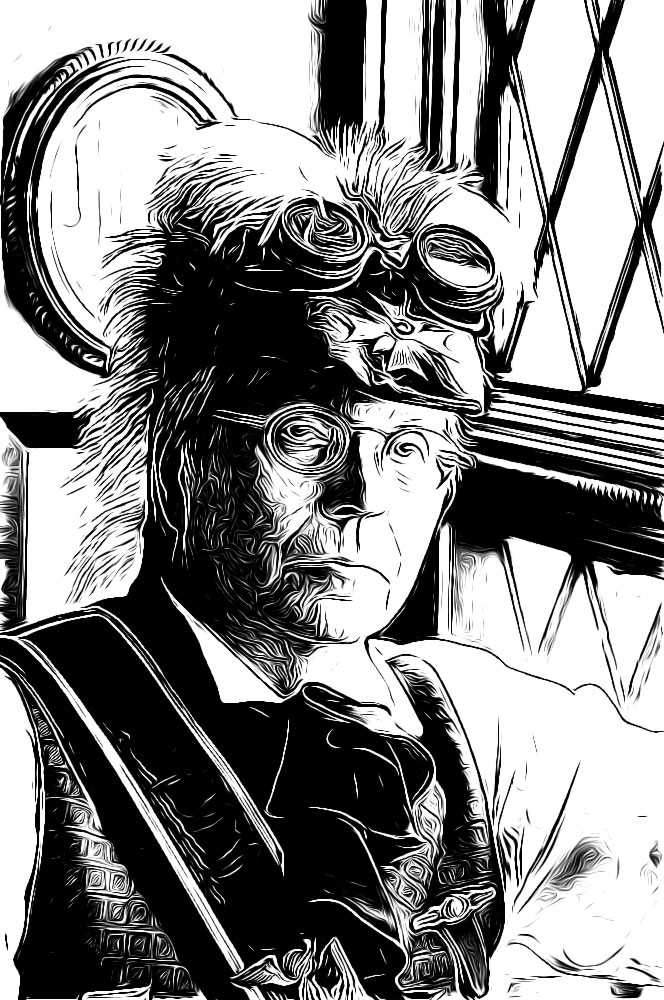
The Graphic Novel Filter: Photoshop Elements’ Diamond in the Rough

14/06/2013

With the release of Elements 11 came three new filters: Pen and Ink, Comic and Graphic Novel. You could be excused from not having known about them as they reside in the Sketch category of the Filters menu, a place you visit in the early stages of using Elements but rarely return. Many of these special effects filters fail to live up to their expectations, not without a lot of additional work afterward, at least. These new sketch filters are different: on the whole they actually do what they're supposed to, and often with fantastic results! My favourite of the three filters is Graphic Novel and that's what we'll be looking at in this tutorial. The effect it produces gives the image a hand-drawn effect with intricate lines similar to those drawn with Rotring precision pens. [More]

Quick Slimming Retouch in Lightroom 5

13/06/2013

My first ever tutorial for TipSquirrel was on slimming a subject in Photoshop now, with the release of Lightroom 5, we can achieve that result in a new way. Oddly the way to achieve this slimming process is found in the new feature in Lightroom 5 which is designed to straighten vertical and horizontal lines; these features are found in the Lens Corrections panel in the Develop module. [More]

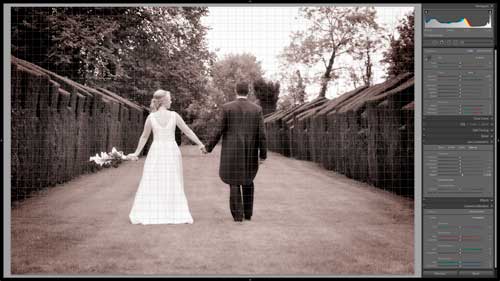
Lightroom Curves Unleashed!

11/06/2013

Sometimes, Lightroom's basic Develop controls aren't going to take you far enough, and you'll want to exercise a little more creative control over your images. Lightroom's Tone Curves feature can provide that added control you seek, but at a casual glance, the Tone Curve seems a bit limited. There are some safety nets built into the Lightroom Tone Curve panel to keep you from unwittingly making a mess of your image, but with a little care and exploration we can unleash the full power of curves, right within Lightroom. [More]

Adding A Fold To An Image In Photoshop Touch

10/06/2013

In this video I take a photo into Photoshop Touch to add a fold. You can do this in the stand alone app on your tablet but working with Creative Cloud gives it even more power! The image can be saved and reopened in Photoshop with all the layers in tact! [More]

Steamy Window Effect in Photoshop

07/06/2013

In this tutorial I’ll show you how to create the impression of looking through a steamy, misted up window. We’ll use a bunch of standard Photoshop filters including the Fibres and Diffuse Glow effects. If you’ve never used those before you’re not alone but it’s never too late to discover their power. [More]

Book Review Digital Art by David Cousens

06/06/2013

If you are interested in digital art then you probably have at some point come across illustrations made by David Cousens of Cool Surface. His art work has appeared in books such as The Big Book of Contemporary Illustration and The Mighty Pencil volumes 1 & 2 as well as magazines such as Advanced Photoshop, SciFiNow and Imagine FX . His impressive client list spans from Adidas to BBC, Macmillan and Creative Boom to name a few. His new book Digital Art – A complete guide to making your own computer artwork was released in May 2013. This can be purchased from Amazon [More]

Format Text In Photoshop With Kerning and Tracking

03/06/2013

Photoshop does a great job of formatting text and can be quite intuitive. Sometimes however you have to get stuck in a finesse it yourself. In this Photoshop tutorial video, I take a look at kerning and tracking before finishing off the text effect with a few Layer Styles and Blend Mode combinations. [More]
3-9