Author Archive for Janine Smith

Janine Smith is the owner of Landailyn Research and Restoration, a Fort Worth, Texas based company whose services include family history research and photo restoration. Janine honed her skills in restoring badly damaged photos as a volunteer with Operation Photo Rescue, a non-profit organization whose mission is to repair photographs damaged by unforeseen circumstances such as house fires and natural disasters.
Janine’s work is well-known in the world of genealogical and historical societies, museums, libraries, university archives, and non-profit organizations; appearing on the board of directors for several organizations and institutions. She is a sought-after lecturer on photo restoration and preservation to libraries, genealogical and historical societies.
In addition to being a Lynda.com author, Janine is the author of many articles on research and restoration appearing in newspapers and magazines, both on and offline. Janine's history and photo restoration columns appear regularly on TipSquirrel.com and in the popular Shades Of The Departed Digital Magazine.
Janine is the winner of the 2010 “Photoshop User Award” in the photo-restoration category.

Moving Backgrounds to Fix Backgrounds in Photoshop

MovBg_B4&Aft

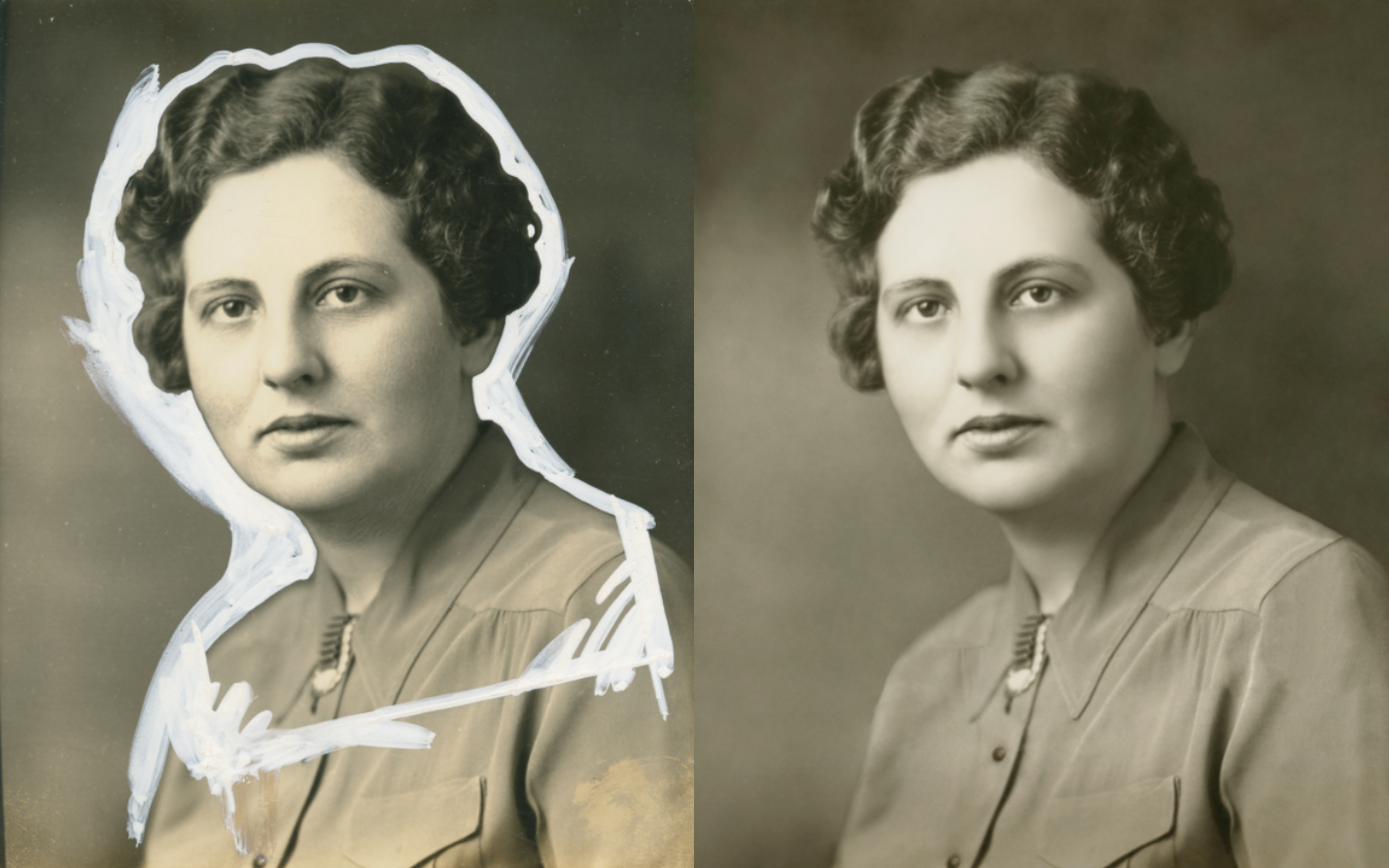
What you see, below, is an aberration, a crime committed against a helpless photograph. Yes, a real photograph was harmed in the making of this mess. Why it was done is beside the point; it was done many years ago and now this image remains as one of the few a daughter has of her mother. This may not be a situation that comes up for the majority of you, but in case it, or something like it comes up, there’s a fairly easy way to get the white out…out.

Image Restoration With Photoshop – Getting Rid Of Red Spots

Rust_spots

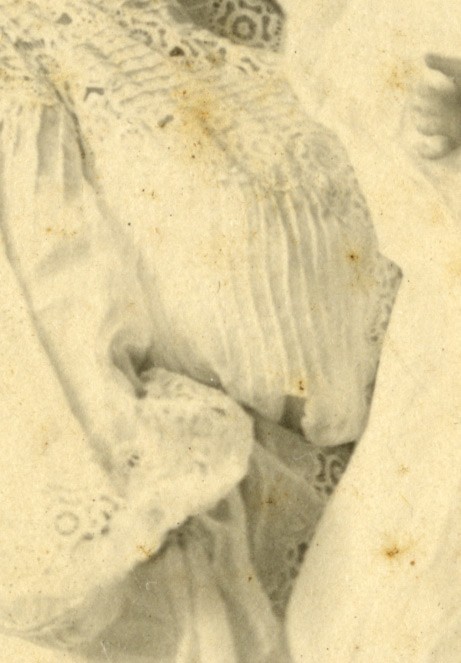
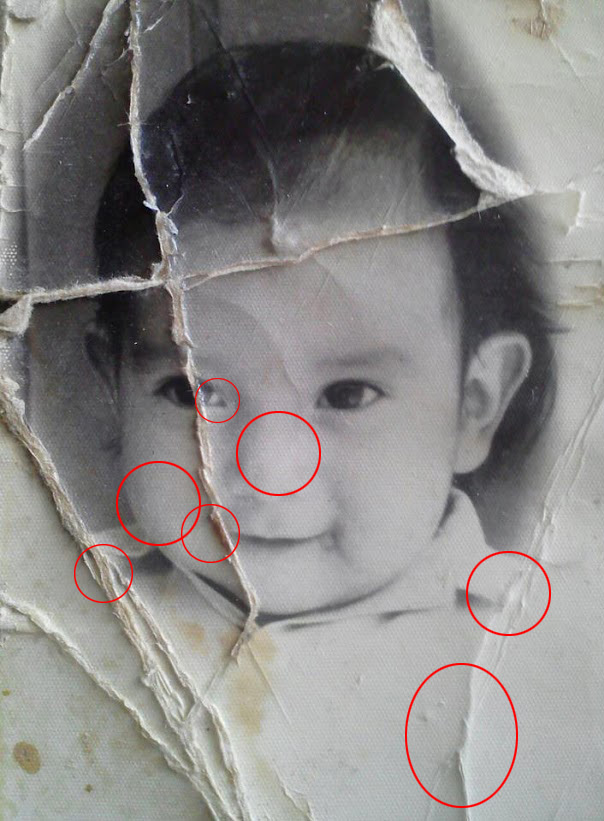
Just like us, photographs get age spots. That’s what those rusty spots are, places where the emulsion is breaking down due to age. Typically the ways they’re dealt with is either with the usual suspects, the clone or patch type tools, or by stripping away the blue and green channels (old school) or using the Black & White Adjustment on one of the red filters.

Your Phone Camera Photos Suck (Blur Removal Software Review)

DblBlur

No matter how good the settings on your phones camera are, they probably aren’t going to help out of focus or blurry images. You might try to take multiple shots of whatever you’re photographing, and hope at least one comes out halfway decent – that’s usually my main M.O., but if you are stuck with blurry or out of focus images, what can you do?

Hard Restoration, Easy Fix in Photoshop

bef-aft

The first thing you may think as you look at today’s before image is “How in the world am I going to get all of that red-colored mess off?” Or it may not be, but for the sake of argument, we’ll just say it is. Here’s what you need to do to fix this. Pay attention to all the steps, here…

Smoothing Texture in Photoshop

Text_bef

A lot of old photos have a textured appearance. Some are so bad they look like they were printed on a heavy watercolor paper, which is a very artsy effect, I’m sure, just not to everyone’s taste! Texture can be corrected, especially if it isn’t too terribly deep, and here’s a super easy way to do it!

Fixing Franken-Face

Frank_orig

What is “Franken-face”? Consider this image: A young woman sitting on a pony on a bright and sunny day; what a great memory! The daughter of the woman pictured cherishes it, but would really love to have an even better…

19th Century Beauty Experiment

jenny_bef-aft

What makes portrait photography so much better today than it was in the 19th century? Because, let’s face it, most of those folks didn’t look their best. Was it the lighting? Lack of make-up? The equipment? I imagine all of the above played a part, along with the fact that the subject had to sit up to 15 minutes due to the exposure time, hence no smiles. The lighting, especially at first, was quite harsh. In the beginning limelight was used, which resulted in extremely white, chalky faces, and later, battery operated arc lamps which were also quite stark. Later, around the turn of the century, full walls of windows were often used, taking advantage of daylight, as well as electric light. Even though the renaissance masters figured out how to harness and soften light to paint by (Rembrandt used shutters and a white cloth hanging over the windows to diffuse light), photographic portraiture wouldn’t reach that level until much later in the game.

Coloring With Photoshop – Hair

Color_Final

We left our heroine a bit on the pink side, but we’ll get back to that in a little while. The color of the hair can affect the way we see the skin tone, so I’d like to work on that, right now. When colorizing hair, like skin, I like to take my colors from the historical era I’m trying to duplicate

Coloring With Photoshop – Skin Pt. 2

Color_end-skin

When last we saw our heroine she was looking a little, well, colorless. Today we’re going to perk things up a bit with a little help from history. First, we need to ask ourselves a couple of questions; what era is our image from and what era’s style do we want to borrow from? Of course, you can color your images any way you like, but personally, I like to borrow styles from the era the image was taken in. For the really old images that may mean striving for a watercolor or pastel look of a hand tinted image and portraits taken in the 40’s may call for the more saturated, glamorous style of that era. I’ll go more into the styles of each era and inspiration at a later date, but for now, since the image I’m working on was taken in the 40’s, you can go online and find an image or images from that era that appeals to you in terms of skin and hair color. You may feel like it’s wrong to borrow an image, but It’s okay to use these images for this purpose – all you’re going to do is sample color palettes, you’re not using the image or reproducing it in any other way.

Shades: Birthday Edition! Lost Images Found?

Today we are celebrating the birthday of the one and only footnoteMaven, the much loved and truly talented publisher / writer of the award-winning Shades of the Departed online magazine. In honor of that birthday I present to you, in one of many offerings from the Shades writers, a tiny peek into the possible history [...]

Coloring with Photoshop – Skin

Saund_color

Coloring black and white images is not as easy as it seems. For one thing, finding realistic skin tones is just darn hard! The same with hair colors; the reason for this is that in the real world, hair and skin colors are made up of many different colors and tones. Using just one color will make the tones one dimensional, not realistic at all. Also, there’s a tendency to try to make skin tones either too pink, resulting in a lovely lobster-esque look, or too “peachy” which usually comes out more grey, resulting in the Corpse Bride look. Not very attractive, to say the least. To get a realistic skin or hair color, therefore, we need to layer different tones, tweak, tweak again, go away, add more, take some away…well, you see, it’s not easy.

White Out Restoration

b4naft

How faded is too faded? How do you know when an image can be brought back? Unless an image is solid white or solid black, you don’t know until you try! How about one as badly faded as this one? Can you bring anything back?