I’ve been digitally restoring photographs for a long time, using Photoshop even longer, and I’ve picked up a few things over the years; simple tips on tools or workflow which have made my life a [More]
Here’s a little tip that works with Photoshop Extended, versions CS3 or later, and Smart Objects. We’ve all been in public places trying to take a photograph, and people just keep walking by. [More]
There are few things i hate more than a snapshot of myself….my nose looks large, my eyes are non-existent, and my face is round. Snapshots don’t usually get the pro retouch…but I [More]
I had a few minutes free on Thursday, so I made a website. Ok, maybe not, but pretty close! Before I go any further, just allow me to say that I am not a web developer! In fact, it could be said, [More]
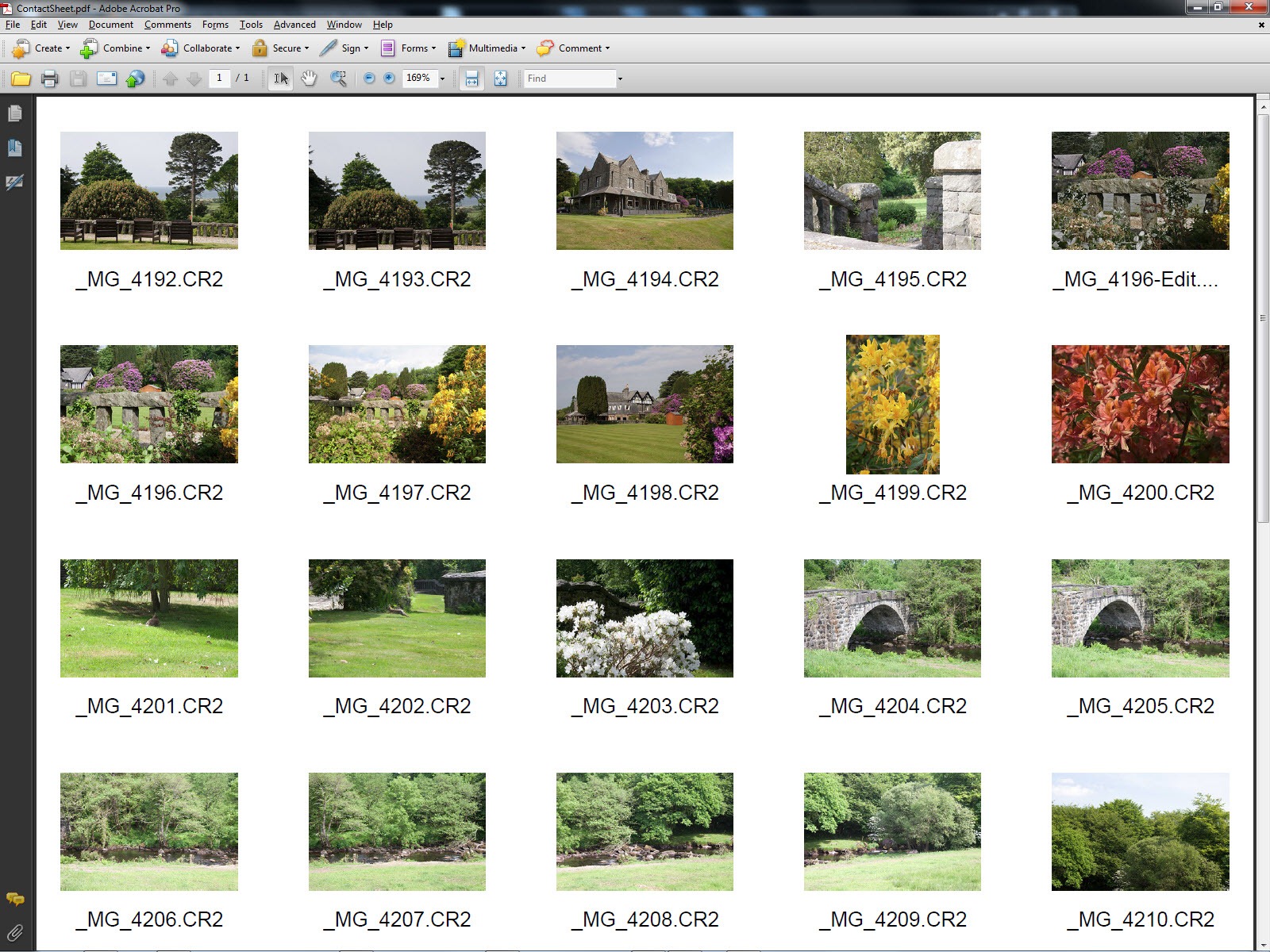
As I’ve noted, Photoshop version CS4 semi-retired the Contact Sheet, Picture Package and Web Contact Sheet plug-ins. Last week we looked at the modern method of creating contact sheets with [More]
With the introduction of the new and improved Refine Edge in Photoshop CS5, making selections has never been easier…or has it? In this tutorial I show you a technique using Blend Modes to make [More]
Back when Adobe’s Creative Suite 4 was launched, many people bemoaned the fact that an old favorite plug-in, Picture Package (Contact Sheet II) and its associated Web Gallery counterpart, had been [More]
Last week I went over a few ways to lessen motion blur in a photo. There are also, of course, many other ways you can approach this problem – these were just the tip of the Photoshop iceberg. Any [More]
I’ve been asked recently about Levels and Curves. Now I could record a TipTorial but regular readers will know, you’d be better off with some professional tutorials. It’s unusual [More]
It’s great to welcome back Dan Moughamian to TipSquirrel.com. Here Dan takes a look at how to refine your layer masks by using Photoshop’s Masks panel in combination with an adjustment [More]
Do you have any photos, I know you do, that look like the person taking it was a bit on the shaky side (everything in the photo is a bit blurry)? Or maybe the subject of the photo moved, maybe the [More]
Last week, I mentioned that I’d be covering my use of Stack Modes as an “automatic tourist remover.” However, this week, I endeavored to get out in the field and take some new photos [More]
Adding highlights and shadows to your shapes can give them depth and form. Here I try to give you an overview of three of the easiest ways to to this. Using just Layer Styles I’ll quickly run [More]